



Charging
Plug in. The notch glows, and your battery percentage shows right away.
Charging0%
00123456789%
Cloudy for Mac
Your song, your meeting, your battery. In the notch.
On every desk
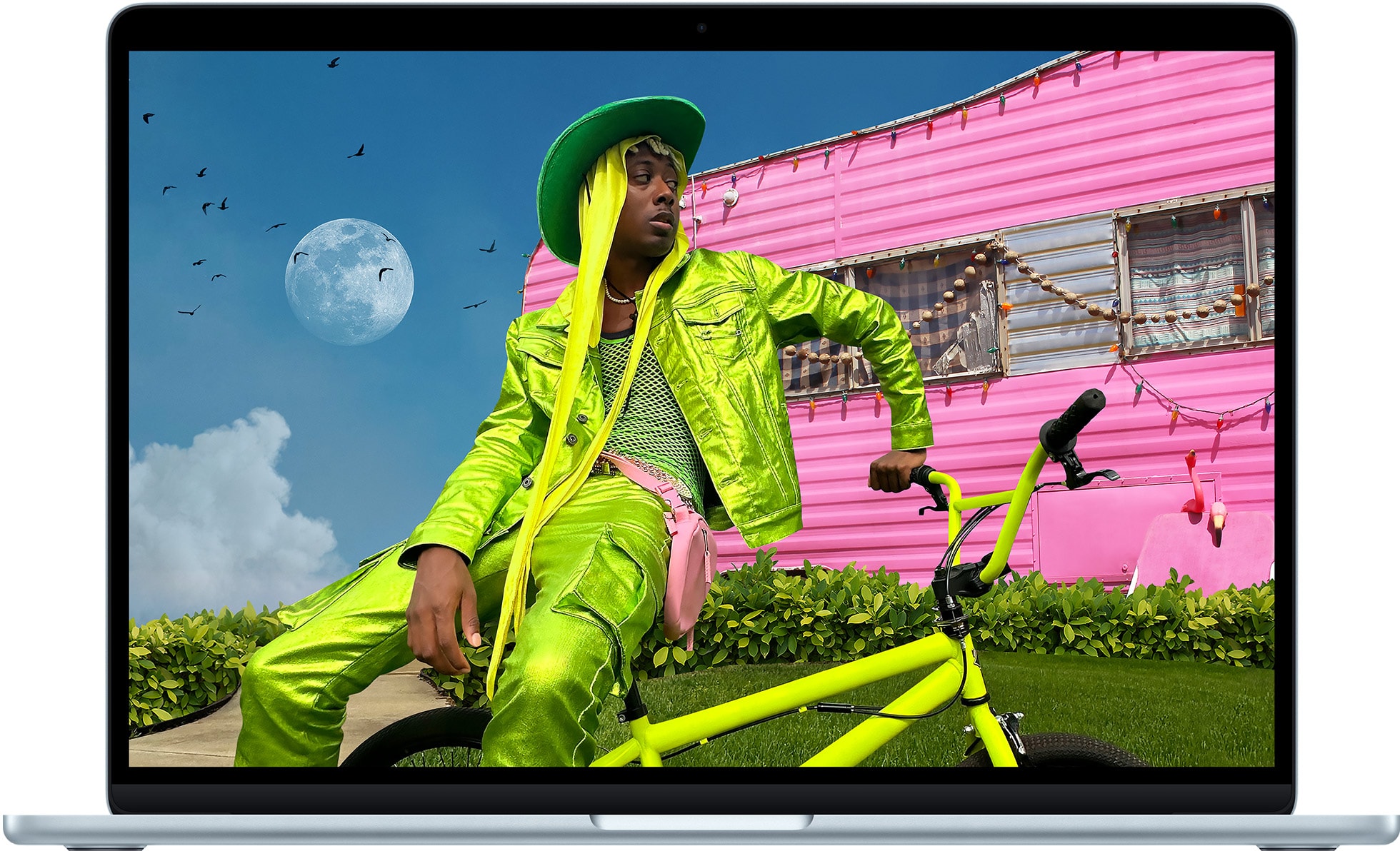
A song for one, a meeting for another, a timer for the next. Cloudy shows each of us what matters right now.
Features
Each one appears the moment it matters, then gets out of the way.
Plug in. The notch glows, and your battery percentage shows right away.
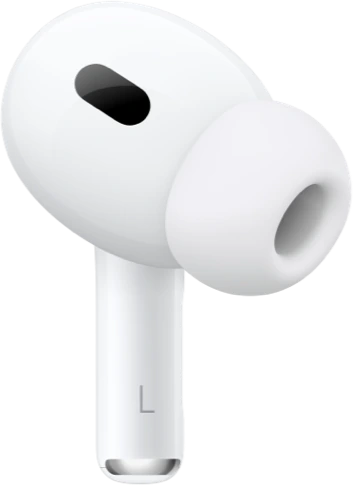
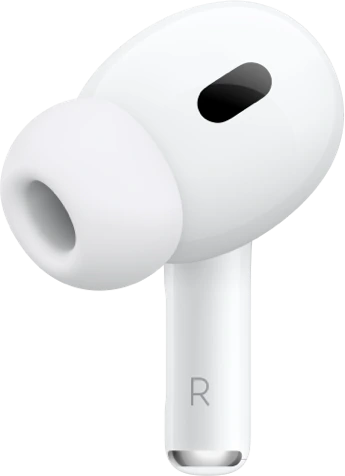
Battery for each bud and the case, the moment they connect.
A countdown that stays in view, whatever window is open.
Switch it on, and the weather sits in front of you, no app to open.
A moon in the notch when Do Not Disturb is on.

 7 notifications held until you’re back
Drop files on the notch. Send them on with AirDrop.
Your recent copies, minus anything your password manager marks secret.
 Room 2 at 4:00
 ahmedali.online
 Brief.pdf
A dot whenever either one is in use.

 Omar0:00
Ecosystem
Now the notch listens too. iPhone notifications that reach your Mac, WhatsApp Web banners in Chrome, and every new Dock badge all land in one place: the notch. App and sender by default; message text only if you turn it on.
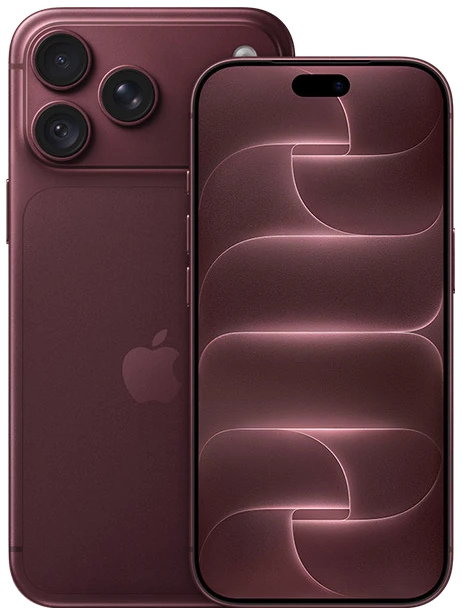

 iPhoneNotifications from iPhone
 DockApp badges
 ChromeWeb notifications
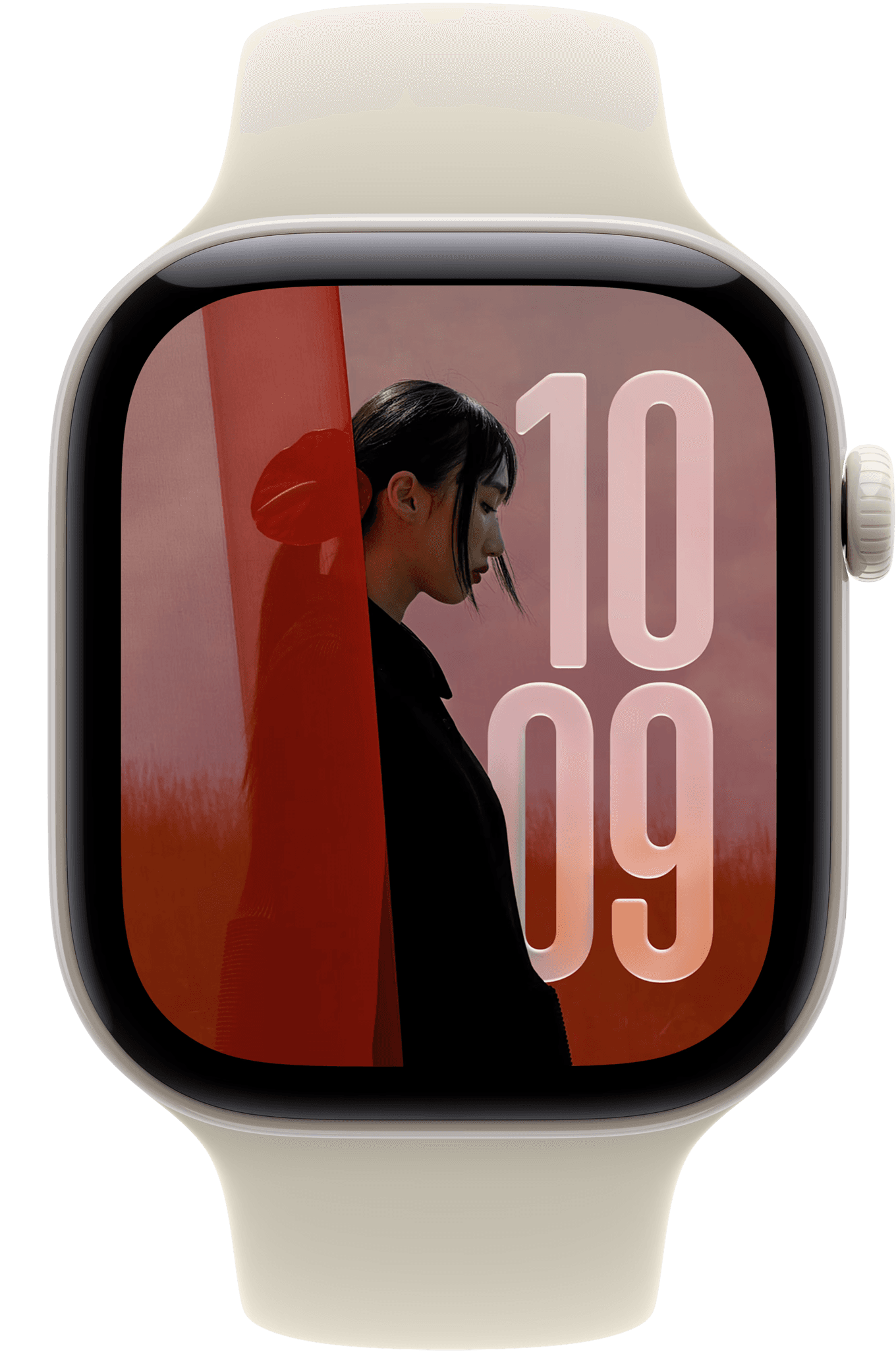
Apple Watch is pictured as part of your setup. Cloudy runs on your Mac and doesn’t connect to it.

Requires macOS 14 or later on a MacBook with a notch. Free for personal use.